Local AI & Home AI Hub
My everyday AI lab. It's a self-hosted hub on my home network where I experiment with, test, and extend what AI can do, running Qwen3.6 locally with llama.cpp and Ollama. It's paired with a native macOS app I designed and built in SwiftUI, home to Dot, the agent you met up top.
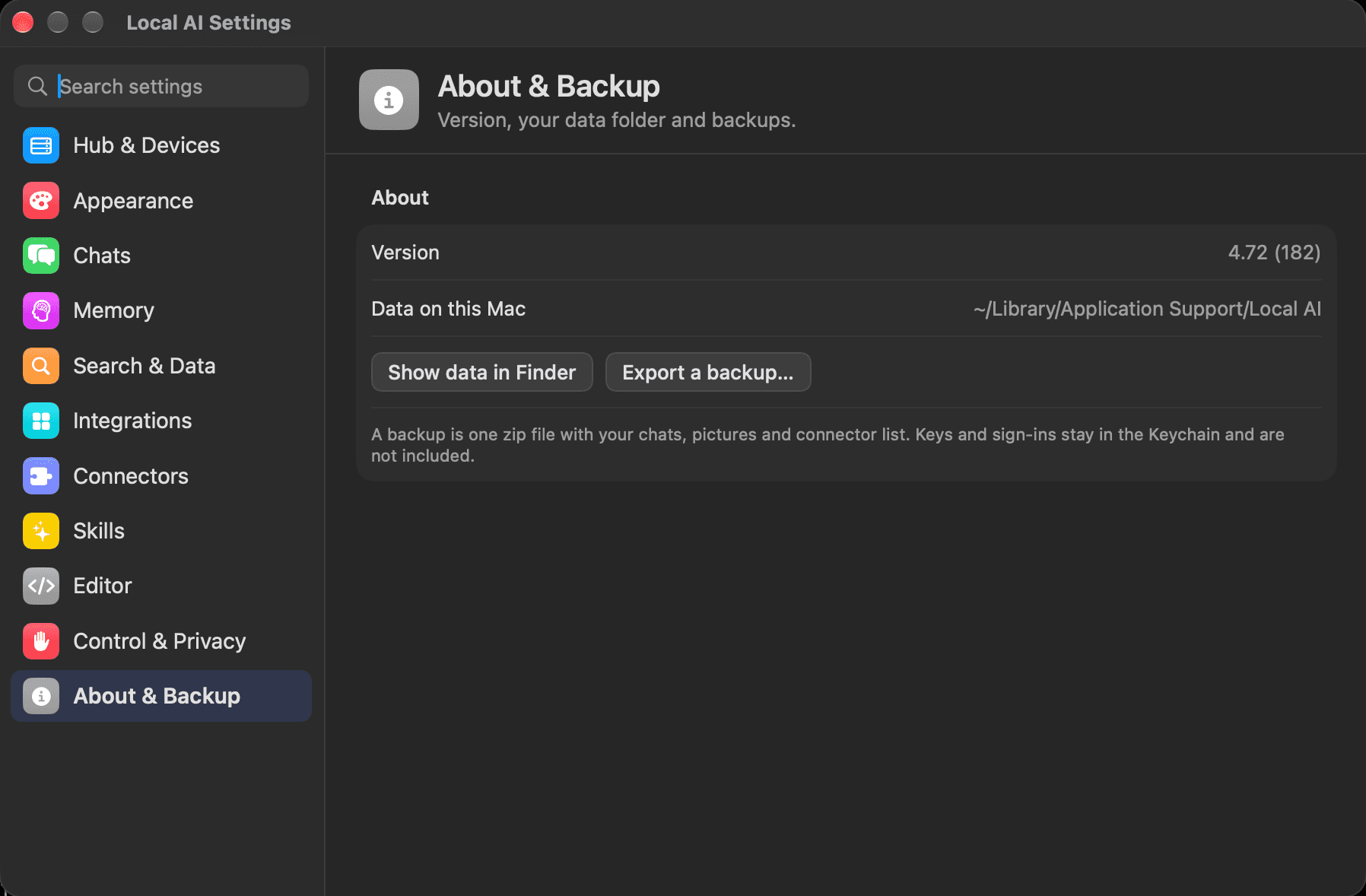
Started November 2026 · version 4.72 · in daily use, updated several times a day.
$ cat README.md
A native Mac app that turns my own home hardware into a private AI workspace, where a local model, my projects, and a small team of AI agents work side by side.
Private by default
Chat with a local model on my own hardware, with no accounts, telemetry, or cloud required.
Projects, not just chats
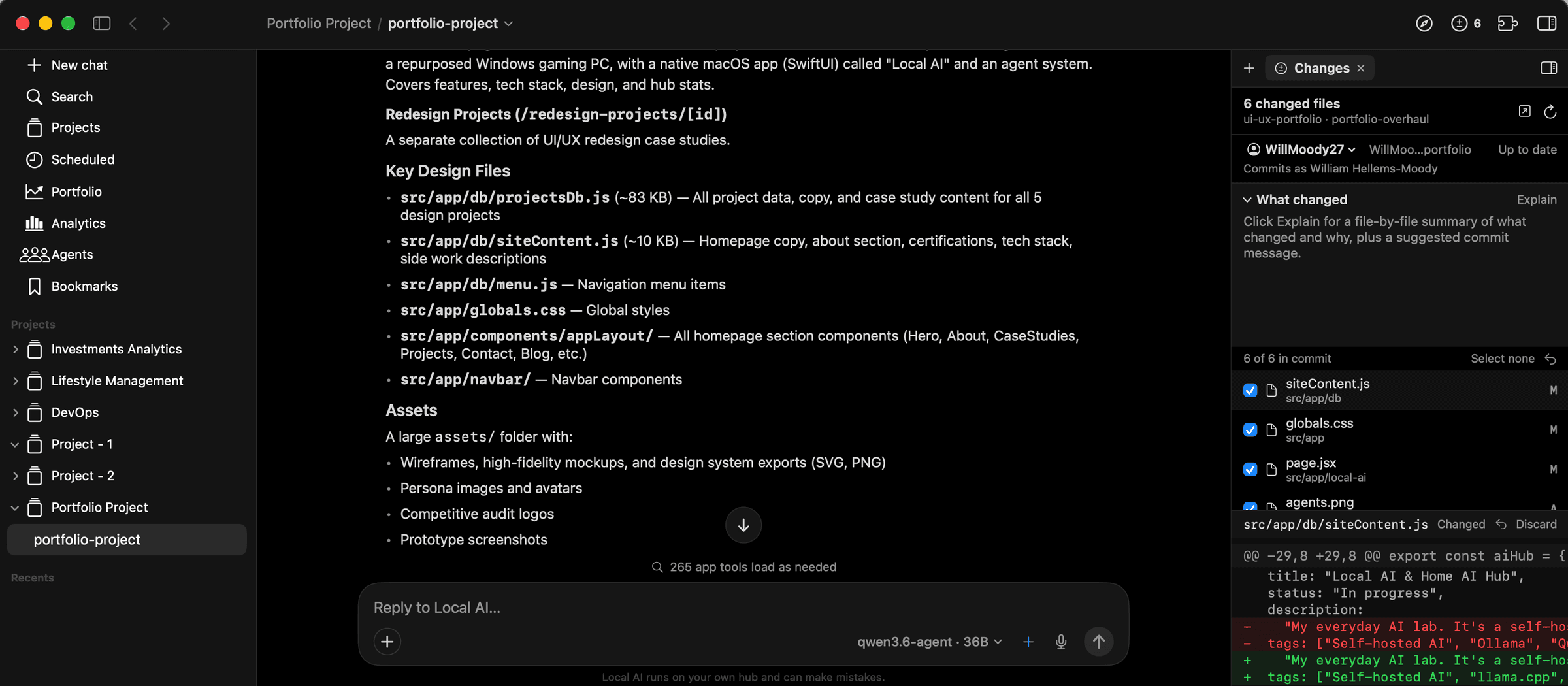
Point the AI at a folder, review every change it makes, then commit and push to GitHub from the same window.
A team of agents
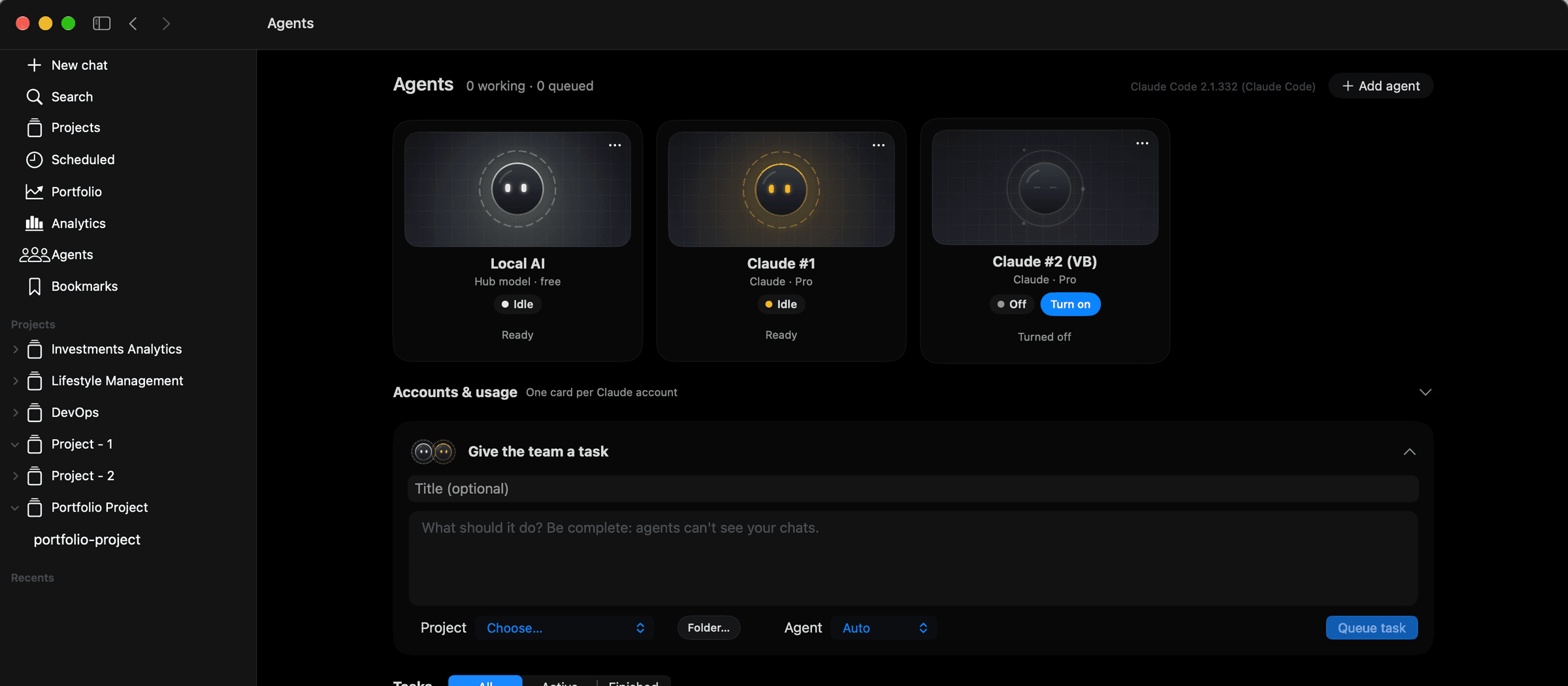
Hand work to the local model and optional Claude agents that run tasks in the background or join the same chat.
Images, locally
Generate and remix images on my own hardware, right next to chat.
Works across my apps
Lets the AI operate other desktop apps and connected services, and it always asks before it acts.
Runs on a schedule
Recurring tasks, bookmarked messages, and quick search across everything.
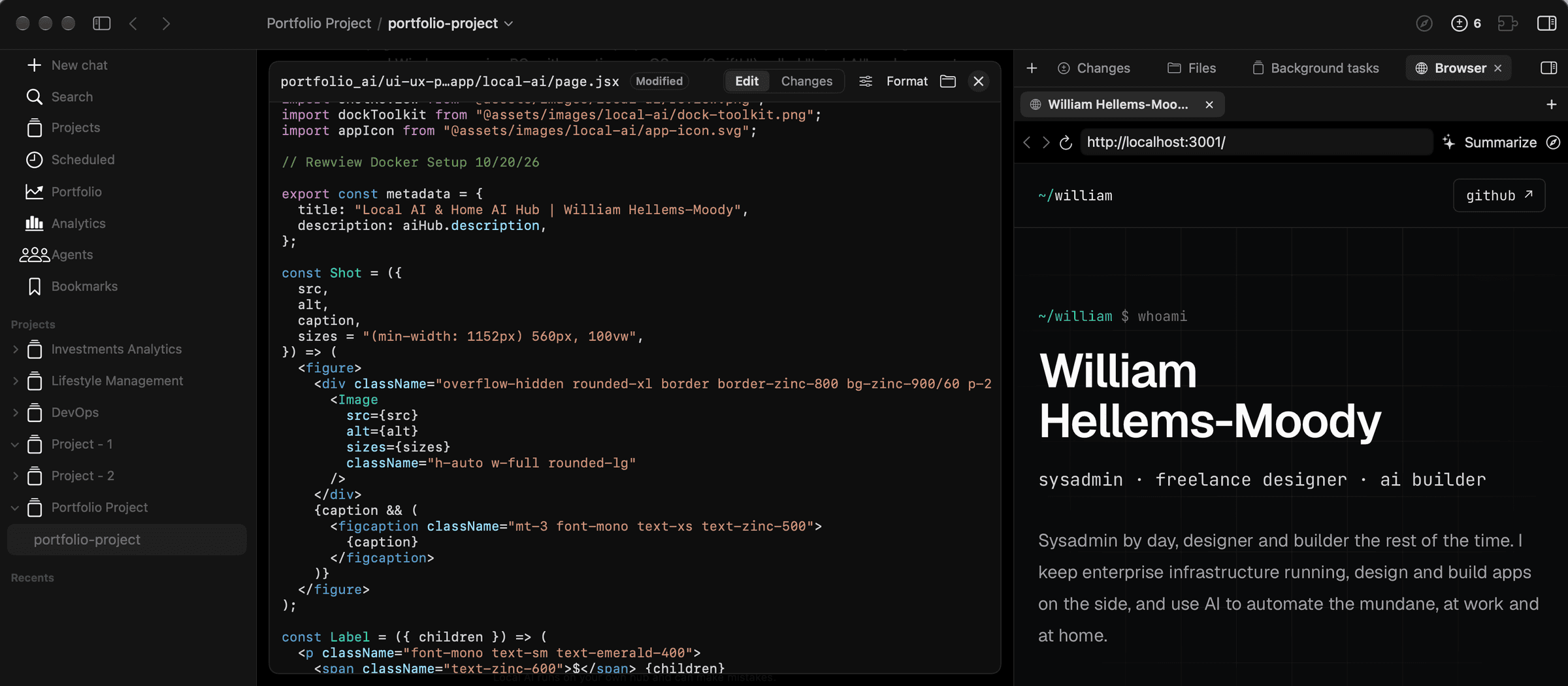
Local AI is a workspace, not just a chat window. Chat, files, code review, a terminal, a browser, and agents live in one native app, so I rarely switch tools. Custom integrations extend the local model well beyond plain conversation, and privacy stays the default: my data stays on my network unless I deliberately bring in a cloud agent, and when I do, every cost, limit, and permission is visible.
$ ls ~/agents
Agents with a face
Every agent is a "core": a dark glass orb, hex, or chip with glowing eyes, built from one shared design system. Color, eyes, and a small module make each one recognizable at a glance. They show their state through motion instead of badges: idle cores drift and look around, working cores spin up and scan, finished cores settle, and a core that needs help flickers amber.
$ git diff --review
The user stays in control
- +Risky actions show a clear card first, and nothing happens until I approve it.
- +Edits are reviewed before they're committed, with an AI-written summary of what changed.
- +Destructive actions explain themselves in plain language and ask twice.
- +Limits and usage are explained in plain words instead of error codes.
A familiar, calm layout: a sidebar for chats and projects, a side panel for changes and the browser, and a terminal along the bottom, borrowing patterns people already know from Claude and VS Code. A keyboard-first layer (⌘/ search, a / menu, ⌘Return to approve) keeps it fast.
$ systemctl status hub
The hub: a gaming PC turned AI server
Behind the app is a repurposed Windows gaming desktop that I rebuilt into a single-purpose AI box. I stripped out the bloat (freeing about 330 GB), locked it down to my home network, and tuned it to run a 35B-parameter language model and a local image model with no subscriptions or per-use API costs. A small vitals dashboard I built shows GPU load, memory, and temperatures, and switches the hub between chat and image modes.
- Generation speed after tuning
- ~94 tok/s
- 2.5× faster than the default setup
- Parameter model running entirely at home
- 35B
- Per image, generated locally
- ~16 s
- Services exposed to the internet
- 0
- +First test rig: an RTX 5060 Ti (16 GB) paired with an RTX 3070 Ti (8 GB), 24 GB of VRAM combined.
- +RAM capped at 64 GB (4 × 16 GB), the most the motherboard supports, instead of 4 × 32 GB.
- +Now testing the model with an expanded local context and custom integrations that help me manage daily tasks and everyday life.
$ ls ~/dock
The toolkit
This is my actual dock. Local AI sits right in the middle of my daily workflow, next to the tools I use to design, build, and run everything else.

inside local ai
$ cat design.md
Local AI: macOS App & Agent Design
I designed the brand, the interface, and the agents for my Local AI app. The glass cube logo became Dot, and every agent shares one visual language: a dark glass core with glowing eyes. Agents show their state through motion instead of badges. Idle agents drift, working agents scan, finished ones settle, and anything that needs help flickers amber.
$ cat deep-dive.md
Want the deep dive?
This page covers what Local AI does, not how. If you want to hear how I built the custom integrations, extended the local model through custom code to unlock new features and capabilities, or the UI/UX fundamentals behind each product decision, reach out and let's talk.